Filtering AI from Libby

You can now filter AI generated material from Libby with a few simple steps:

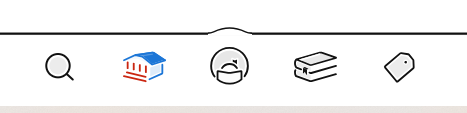
1. Click the center icon at the bottom of the page to go to your account
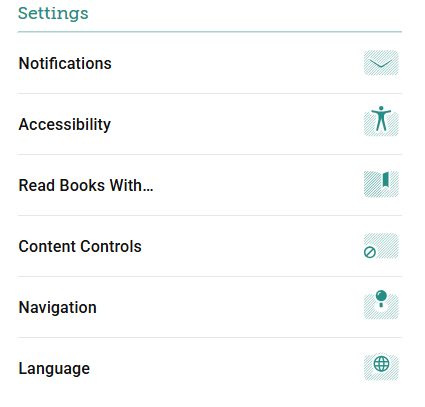
      2. Under Settings, select Content Controls
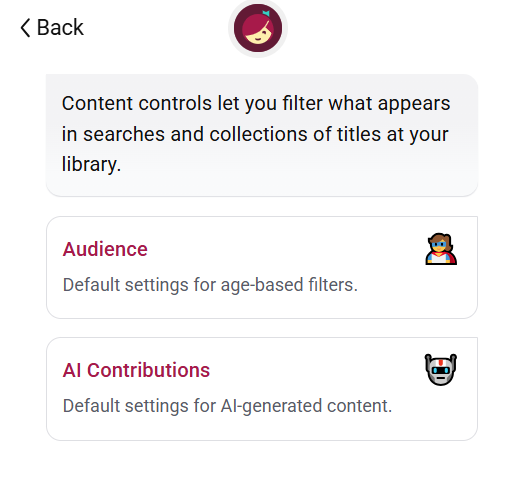
      3. Click on AI Contributions
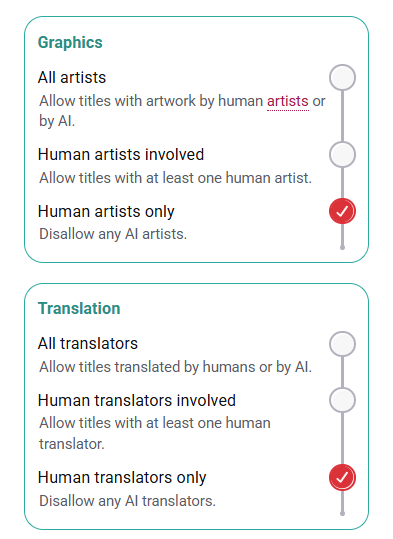
      4. Select Human only for all categories
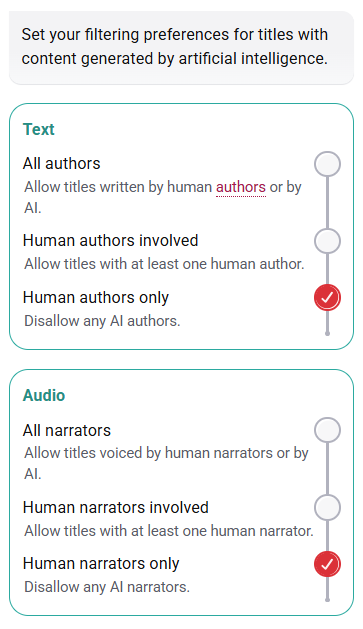
      And you’re done!

      All Library buildings will be closed on Wednesday, October 21st for Staff Development.

      Close Welcome Bar
      The owner of this website has made a commitment to accessibility and inclusion, please report any problems that you encounter using the contact form on this website. This site uses the WP ADA Compliance Check plugin to enhance accessibility.